1
/
of
1
SANWA SUPPLY
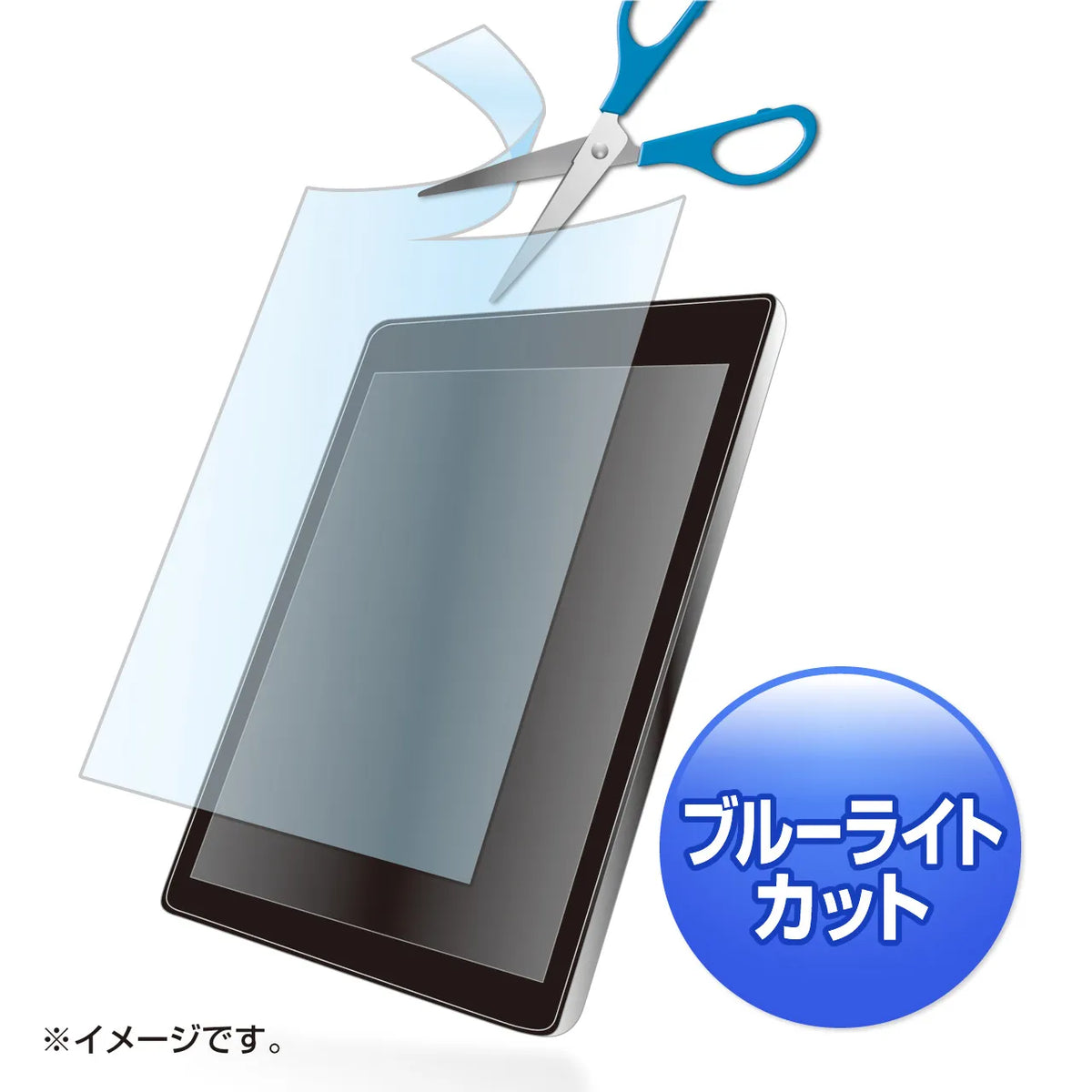
Free-cut type blue light cut LCD protective film with fingerprint resistance and gloss, compatible with up to 10.1-inch screens. LCD-101WBCF
Free-cut type blue light cut LCD protective film with fingerprint resistance and gloss, compatible with up to 10.1-inch screens. LCD-101WBCF
GTIN(JAN):4969887869659
SKU:LCD-101WBCF
Regular price
¥2,164 JPY
Regular price
Sale price
¥2,164 JPY
Quantity
Couldn't load pickup availability
Important: Return Policy
Please review your order carefully before completing the purchase. We do not accept returns or exchanges for customer errors (e.g., wrong size, color, or accidental purchase)
[Supports up to 10.1 inches. Free-cut type blue light cut LCD protective anti-fingerprint glossy film that can be cut to your desired size.]
●Can be cut to your desired size and applied.
●Can cut approximately 26% of the blue light main wavelength (450nm) light from LED backlights.
●Concentrates blue light that is not easily absorbed by the lens of the eye and may damage the retina. Recommended for preventing eye strain.
●Because it absorbs blue light contained in ambient light without reflecting it, the impact on the eyes can be minimized.
●Since silicone material is used on the adhesive surface, it adheres perfectly to the LCD screen.
●No double-sided tape is required.
●Compatible with touch panels. Ideal for Windows 8 touch operation.
※Not compatible with special panels such as ultrasonic, electromagnetic induction, or digitizer methods.
●Protects the LCD screen from dust, fingerprints, scratches, etc. The anti-fingerprint coating prevents fingerprints from adhering to the film.
<How to Cut the Protective Film>
1. Use the graph paper on the back of the package to measure the size of the device you will be applying it to.
2. Use the graph paper to determine the size to cut from the four marks.
*For devices with a flat surface including the frame, such as tablets, make the size slightly larger (2 to 3 mm) to cover the entire LCD screen.
*For devices with a step between the LCD screen and the frame, make the size slightly smaller (2 to 3 mm). This is because it is difficult to align the top, bottom, left, and right if the size is a perfect fit.
3. Place the film itself on top of the graph paper and cut it out. (You can cut it with scissors, but we recommend using a utility knife for a clean cut.)
<How to Apply the Protective Film>
1. Clean the LCD screen and the device. (Dust trapped inside can cause air bubbles.)
2. Peel off the release sheet before applying the film. The side that is peeled off will be the side that adheres to the LCD screen. When removing the release sheet, please work in an area with as little dust as possible to prevent dust from sticking due to static electricity.
3. Slowly apply the protective film from one edge. Pushing out the air with a soft cloth will make it easier to apply.
*Please be careful not to press too hard on the LCD screen when applying, as this may cause damage.
*If dust or other debris adheres to the adhesive surface of the protective film, please remove it with cellophane tape.
<Caution>
*Avoid using in direct sunlight.
*Avoid using or storing in high-temperature conditions.
*Please be careful not to injure yourself when cutting this product with scissors or a utility knife.
*Sanwa Supply assumes no responsibility whatsoever for accidents or damage to equipment caused when cutting this product.
*When applying to the entire surface of a flat device, such as a tablet, the R (curve) of the corners cannot be measured. Protect only the LCD display area.
*Cutting the film may put stress on the edges and cause some parts to lift. Please understand.
■Material: Adhesive surface/silicone film, Outer surface/PET (polyethylene terephthalate)
■Size: W190xD0.2xH270mm
■Quantity: 1 sheet
■Reflectance: 4.37%
■Transmittance: 79.3%
■UV cut: 99.9%
■Surface hardness: 2 to 3H
*The above are measured values and not guaranteed values.
●Can be cut to your desired size and applied.
●Can cut approximately 26% of the blue light main wavelength (450nm) light from LED backlights.
●Concentrates blue light that is not easily absorbed by the lens of the eye and may damage the retina. Recommended for preventing eye strain.
●Because it absorbs blue light contained in ambient light without reflecting it, the impact on the eyes can be minimized.
●Since silicone material is used on the adhesive surface, it adheres perfectly to the LCD screen.
●No double-sided tape is required.
●Compatible with touch panels. Ideal for Windows 8 touch operation.
※Not compatible with special panels such as ultrasonic, electromagnetic induction, or digitizer methods.
●Protects the LCD screen from dust, fingerprints, scratches, etc. The anti-fingerprint coating prevents fingerprints from adhering to the film.
<How to Cut the Protective Film>
1. Use the graph paper on the back of the package to measure the size of the device you will be applying it to.
2. Use the graph paper to determine the size to cut from the four marks.
*For devices with a flat surface including the frame, such as tablets, make the size slightly larger (2 to 3 mm) to cover the entire LCD screen.
*For devices with a step between the LCD screen and the frame, make the size slightly smaller (2 to 3 mm). This is because it is difficult to align the top, bottom, left, and right if the size is a perfect fit.
3. Place the film itself on top of the graph paper and cut it out. (You can cut it with scissors, but we recommend using a utility knife for a clean cut.)
<How to Apply the Protective Film>
1. Clean the LCD screen and the device. (Dust trapped inside can cause air bubbles.)
2. Peel off the release sheet before applying the film. The side that is peeled off will be the side that adheres to the LCD screen. When removing the release sheet, please work in an area with as little dust as possible to prevent dust from sticking due to static electricity.
3. Slowly apply the protective film from one edge. Pushing out the air with a soft cloth will make it easier to apply.
*Please be careful not to press too hard on the LCD screen when applying, as this may cause damage.
*If dust or other debris adheres to the adhesive surface of the protective film, please remove it with cellophane tape.
<Caution>
*Avoid using in direct sunlight.
*Avoid using or storing in high-temperature conditions.
*Please be careful not to injure yourself when cutting this product with scissors or a utility knife.
*Sanwa Supply assumes no responsibility whatsoever for accidents or damage to equipment caused when cutting this product.
*When applying to the entire surface of a flat device, such as a tablet, the R (curve) of the corners cannot be measured. Protect only the LCD display area.
*Cutting the film may put stress on the edges and cause some parts to lift. Please understand.
■Material: Adhesive surface/silicone film, Outer surface/PET (polyethylene terephthalate)
■Size: W190xD0.2xH270mm
■Quantity: 1 sheet
■Reflectance: 4.37%
■Transmittance: 79.3%
■UV cut: 99.9%
■Surface hardness: 2 to 3H
*The above are measured values and not guaranteed values.
Share